
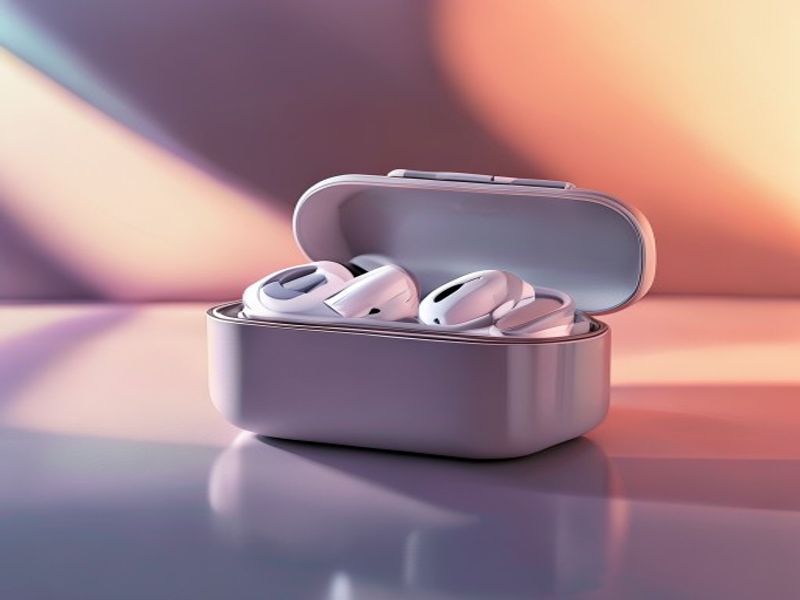
Product Content Pack
Turn one product into a full ad content pack
Describe your product once. The Product Content Pack playbook creates a polished ad image, animates it into a short video, adds an AI voiceover, and burns in subtitles — every asset consistent with your brand kit.
Preview the result before you run it
Example input
A premium product launch with a clean studio look
How it works
- 01
Generate the ad image
MuseFable turns your product description into a polished, on-brand ad image, styled to your brand kit's colors and tone.
- 02
Animate it into a short video
The ad image becomes a short, scroll-stopping video clip using image-to-video generation — no footage or editing required.
- 03
Add an AI voiceover
A natural AI voiceover narrates the clip, matched to the message and tone you set for the product.
- 04
Burn in subtitles
Subtitles are transcribed from the voiceover and burned into the video, so it plays clearly with the sound off.
What's in the pack
Image
A polished, on-brand ad image ready to publish or reuse as a thumbnail.
Video
A short-form video clip animated from the ad image, sized for social feeds.
Voiceover
A natural AI voiceover track narrating the clip in your brand's tone.
Subtitles
Burned-in subtitles so the clip lands even when muted.
Who it's for
- E-commerce sellers who need ad creative for every new product.
- Brands running paid social who want consistent, on-brand video ads.
- Small teams without a designer, editor, or voice actor on call.
Frequently asked questions
- What do I need to provide?
- Just a description of your product — what it is, who it's for, and the vibe you want. Your brand kit supplies the colors, tone, and audience automatically.
- Can I use the assets separately?
- Yes. Every output — the ad image, the video, the voiceover, and the subtitled clip — is saved to your asset library, so you can export and use each one on its own.
- How is it kept on brand?
- Every step is conditioned on your brand kit — colors, tone, audience, selling points, and banned words — so the whole pack matches your identity without manual clean-up.